
From standard monitoring of auth.log and fail2ban to cloud AI analysis that recognizes patterns, detects anomalies and generates actionable recommendations.
⚠ This article describes a real world Debian scenario where standard monitoring of auth.log, mail.log and fail2ban
is extended with cloud AI analysis. Configurations are examples. Do not copy paste them 1:1 in production without adapting to your environment.
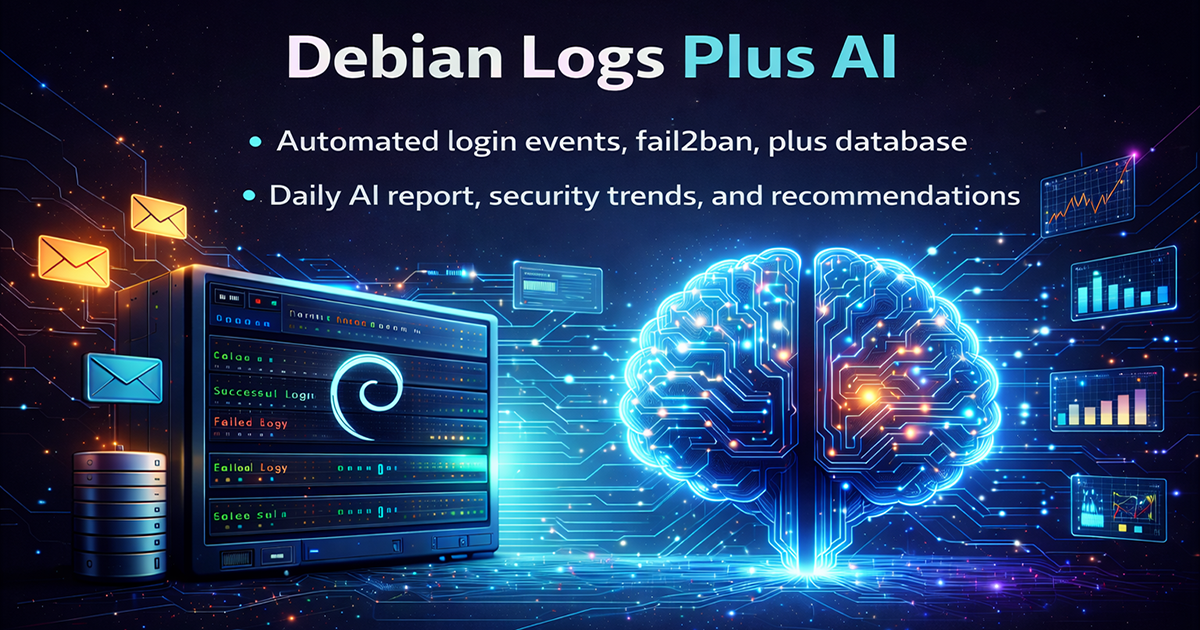
The idea is simple. The Debian server keeps doing its job as before, but on top of classic monitoring we add cloud AI analysis that sees patterns, anomalies and trends which are easy to miss by eye.
From there, logs are no longer just a text file, but a source of Security Intelligence that helps for real time decisions, not only for forensic work after an incident.
The classic scenario. You have a Debian server, auth.log, mail.log, fail2ban and maybe a few more services.
Everything is fine until the load and attack attempts grow so much that you either miss things or you are staring at logs all day.
I wanted something different:
The architecture is split in a few layers so it does not turn into a monster that nobody maintains.
/var/log/auth.log, /var/log/mail.log, /var/log/syslog.auth.log and fail2banDebian → Python script → MySQL / logs → AI API → risk assessment → email / web panel / actions
The script on Debian does several things at once. It reads logs, extracts key fields, talks to fail2ban, writes to the database and sends emails.
Below is a simplified core without all the checks, optimizations and safeguards used in production.
# -*- coding: utf-8 -*-
import os
import re
import time
import smtplib
import subprocess
import mysql.connector
from datetime import datetime
from email.mime_text import MIMEText

AUTH_LOG = "/var/log/auth.log"
PROCESSED_FILE = "/var/log/processed_events.log"
HOSTNAME = os.uname()[1]

DB_CFG = {
    "host": "localhost",
    "user": "admin_user",
    "password": "dontpass",
    "database": "admin_panel_db",
}

def read_last_relevant_line():
    with open(AUTH_LOG, "r") as f:
        lines = f.readlines()
    for line in reversed(lines):
        if re.search(r"(Accepted password|Failed password|Invalid user|authentication failure;)", line):
            return line.strip()
    return None

def parse_line(line):
    ip_match = re.search(r"from ([0-9.]+)", line)
    user_match = re.search(r"for (invalid user )?([a-zA-Z0-9_-]+)", line)
    ip = ip_match.group(1) if ip_match else "Unknown IP"
    username = user_match.group(2) if user_match else "Unknown user"
    failed = bool(re.search(r"(Failed password|Invalid user|authentication failure;)", line))
    return ip, username, failed

def log_to_db(ip, username, country, status, reason):
    conn = mysql.connector.connect(**DB_CFG)
    cur = conn.cursor()
    cur.execute(
        """
        INSERT INTO failed_login_attempts (ip_address, username, country, attempt_time, reason)
        VALUES (%s, %s, %s, %s, %s)
        """,
        (ip, username, country, datetime.now(), reason),
    )
    conn.commit()
    cur.close()
    conn.close()

# ... more checks, safeguards and handling of other log types live here in the real implementation
In production there are extra layers for security, rate limiting, encryption of sensitive data and separate configuration management. They are intentionally skipped here.
The important part is that I do not send the full log to the cloud, but already aggregated information about events. This keeps traffic small and keeps sensitive details on the server.
{
  "server": "deb-mail-01",
  "time_window": "2026-02-24T10:00:00Z/2026-02-24T10:15:00Z",
  "events": [
    {
      "ip": "203.0.113.45",
      "country": "CN",
      "username": "root",
      "service": "sshd",
      "attempts": 37,
      "status": "failed",
      "reason": "bruteforce"
    },
    {
      "ip": "198.51.100.77",
      "country": "BG",
      "username": "office",
      "service": "postfix",
      "attempts": 3,
      "status": "failed",
      "reason": "wrong_password"
    }
  ]
}
The AI model returns something similar to this depending on the platform you use:
{
  "summary": "Typical SSH bruteforce from multiple networks plus a few local user mistakes.",
  "risk_score": 7,
  "findings": [
    {
      "type": "bruteforce",
      "ip": "203.0.113.45",
      "severity": "high",
      "recommendation": "Keep blocked for at least 30 days. Consider adding to a global deny list."
    },
    {
      "type": "user_error",
      "username": "office",
      "severity": "low",
      "recommendation": "Ask the user to verify password manager settings."
    }
  ]
}
The exact format depends on the AI provider. The idea is to have some kind of risk score and recommendation, not just more unstructured text.
The script itself does not try to be a full SIEM. It simply prepares high quality data for AI and renders it in a human friendly way in emails and the web panel. Here is a simplified example of how you can take the AI response and decide what to send as an alert.
def should_alert(ai_result):
    if ai_result["risk_score"] >= 8:
        return "critical"
    if ai_result["risk_score"] >= 5:
        return "warning"
    return None

def color_for_country(country):
    if country == "BG":
        return "green"
    if country in ("RU", "CN", "BR"):
        return "red"
    return "orange"

def build_html_email(events, ai_result):
    level = should_alert(ai_result)
    if not level:
        return None

    rows = []
    for ev in events:
        color = color_for_country(ev["country"])
        rows.append(
            f"<tr><td>{ev['ip']}</td><td style='color:{color}'>{ev['country']}</td>"
            f"<td>{ev['username']}</td><td>{ev['service']}</td><td>{ev['attempts']}</td></tr>"
        )

    html = f"""
    <h2>Security alert on {HOSTNAME}</h2>
    <p>AI risk score: <b>{ai_result['risk_score']}/10</b></p>
    <p>Summary: {ai_result['summary']}</p>
    <table border='1' cellspacing='0' cellpadding='4'>
      <tr><th>IP</th><th>Country</th><th>User</th><th>Service</th><th>Attempts</th></tr>
      {''.join(rows)}
    </table>
    """
    return html
This way, in emails and in the web panel IP addresses from Bulgaria show in green, and the typical “interesting” regions can light up in red. AI hints what is priority instead of relying only on a simple check like “attempt count above N”.
Automation makes sense when a human actually takes a decision at the end. My channels are three.
The AI does not block services by itself, it does not touch the firewall and it does not start banning everything. It provides context and recommendation, and humans decide when to act more aggressively and when not to.
In this article I skip a few important parts, not because they do not exist, but because it is not a good idea to publish them fully.
The goal is to give you a working model that you can extend, not a ready made dump for blind copy paste.
Email office@ntg.bg or request a free consultation.

Head of IT Infrastructure & Security at Network Technology.