WireGuard site-to-site for MikroTik – a quick and secure way to connect your office and branch in just 10 minutes. Full configuration: keys, peers, AllowedIPs,…
Step-by-step for RouterOS v7 and v6 + firewall/NAT, DDNS/port-forward, troubleshooting and common pitfalls.
⚠ This guide targets system administrators and advanced users. We’ll connect office ↔ branch over WireGuard with correct AllowedIPs, keepalive, MTU, and firewall/NAT rules.
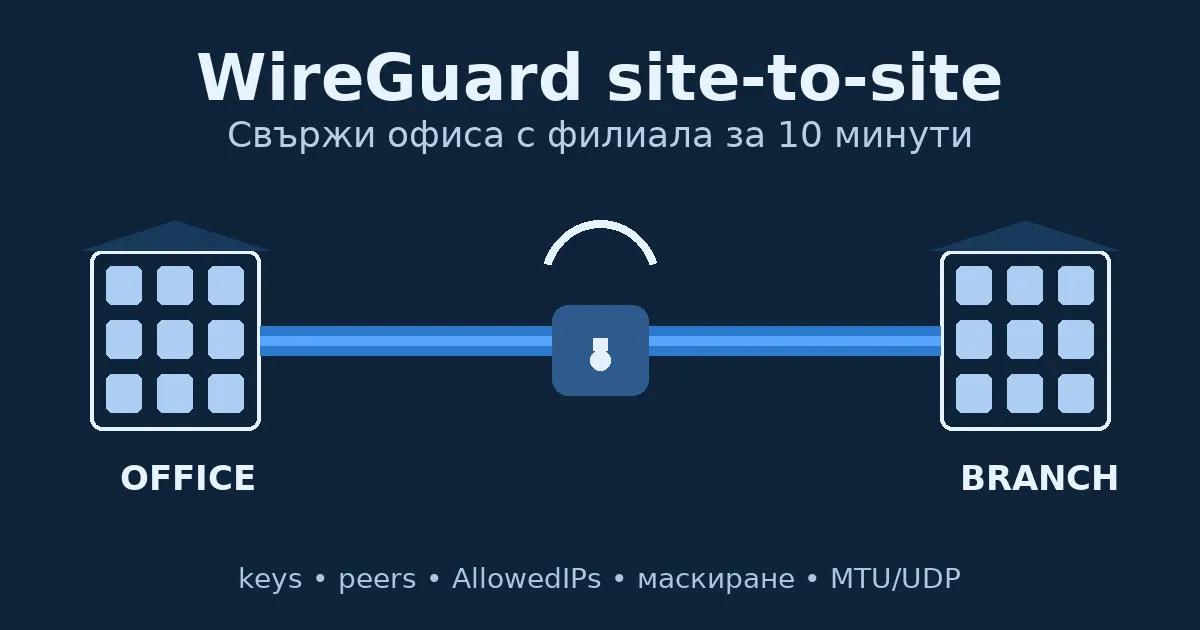
WireGuard site-to-site is a fast, stable and secure tunnel between locations with minimal configuration. Works with static or dynamic IP (DDNS), as well as behind NAT (port-forward/initiated connection).
/interface wireguard key generateInterface + address:
/interface wireguard
add name=wg-office listen-port=51820 private-key="A_PRIVATE_KEY"
/ip address
add address=10.10.10.1/24 interface=wg-office
Peer to B:
/interface wireguard peers
add interface=wg-office public-key="B_PUBLIC_KEY" \
    allowed-address=10.10.10.2/32,192.168.2.0/24 \
    endpoint-address= endpoint-port=51820 \
persistent-keepalive=25 Interface + address:
/interface wireguard
add name=wg-branch listen-port=51820 private-key="B_PRIVATE_KEY"
/ip address
add address=10.10.10.2/24 interface=wg-branch
Peer to A:
/interface wireguard peers
add interface=wg-branch public-key="A_PUBLIC_KEY" \
    allowed-address=10.10.10.1/32,192.168.1.0/24 \
    endpoint-address=<A_PUBLIC_IP_or_DDNS> endpoint-port=51820 \
persistent-keepalive=25Allow inbound UDP 51820 to the router (chain: input):
/ip firewall filter add chain=input protocol=udp dst-port=51820 action=accept comment="Allow WireGuard"Optional: NAT (only for overlapping networks or specific policies):
/ip firewall nat add chain=srcnat out-interface=wg-office action=masquerade comment="WG NAT (optional)"Ping over the tunnel (A → B):
/ping 10.10.10.2Ping to remote LAN (A → LAN(B)):
/ping 192.168.2.1Peer status (check last-handshake, rx/tx):
/interface wireguard peers print detail(Optional) Find fasttrack rule:
/ip firewall filter print where action=fasttrack-connection(Optional) Temporarily disable/enable fasttrack for testing (replace X with the real number):
/ip firewall filter disable X
/ip firewall filter enable X/32 and its LAN subnet.persistent-keepalive=25 on the client behind NAT.Write to office@ntg.bg or request a consultation.
Tip: group your rules (WG input, WG peers, WG NAT), add clear comments, and keep their order above general rules.