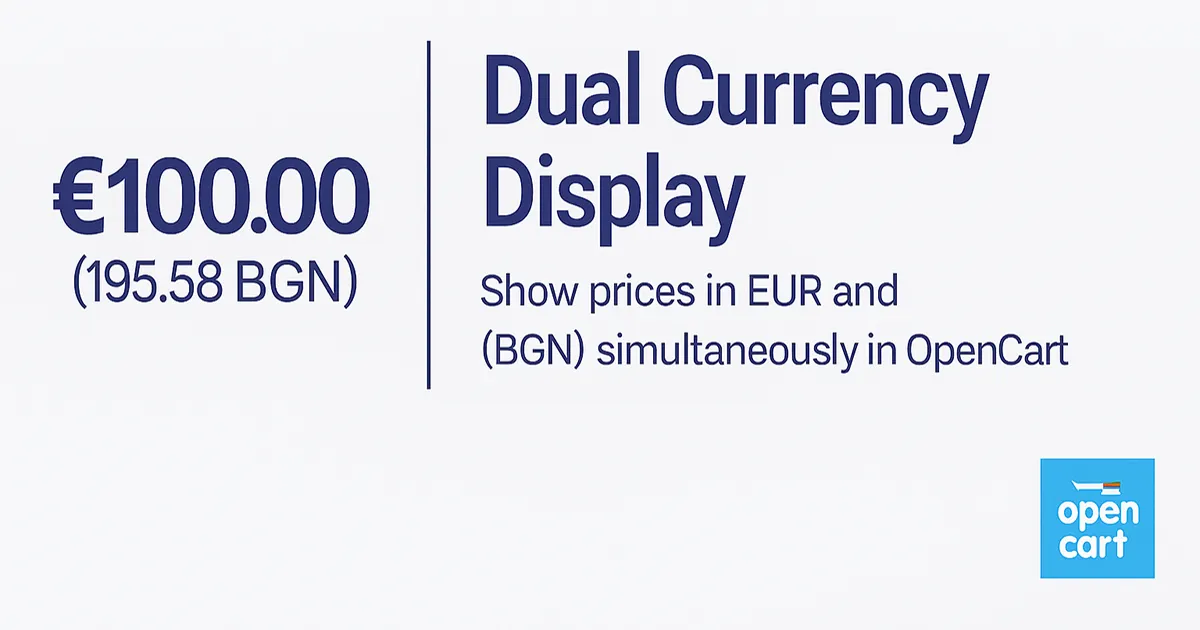
A lightweight OCMOD integration for OpenCart that shows the main price in EUR with an automatically calculated value in BGN. Works with all themes, without chan…
How a lightweight OCMOD modification lets you show the main price in EUR and an automatically calculated price in BGN – without changing products, databases or your theme. A solution that meets Bulgarian customers’ expectations after the transition to EUR.
⚠ This article is aimed at online store owners and system administrators who use OpenCart with EUR as the main currency and sell on the Bulgarian market. After the EUR–BGN transition, clearly showing the BGN value next to the EUR price is practically a must-have for merchants.
Screenshot from a real online store of one of our partners (used with permission) – this is how the live EUR + BGN dual-currency display looks in production.
After the introduction of the euro, many stores switched to EUR as their main currency, but customers in Bulgaria still think in BGN. On the Bulgarian market it is becoming a de-facto standard to clearly show the BGN value next to the EUR price. Our OCMOD integration adds the BGN amount in brackets next to the EUR price – fast, clean and without conflicts with your theme or existing modules.
Most customers in Bulgaria are used to thinking in BGN, even when the official currency is EUR. After the EUR transition, any online store selling to Bulgarian customers that shows only EUR prices forces the user to calculate: how much is this in BGN, is the price fair, are there hidden fees?
With dual-currency display:
We use a lightweight OCMOD extension that adds logic to system/library/cart/currency.php.
No database changes, no “hard-coded” prices and no theme conflicts.
The core logic:
€100.00 (195.58 лв.)Sample excerpt from our OCMOD modification (simplified for demonstration):
<modification>
  <name>Multi-Currency Display (EUR main, BGN secondary)</name>
  <code>multicurrency_display</code>

  <file path="system/library/cart/currency.php">

    <!-- Add config so we know the default currency -->
    <operation>
      <search><![CDATA[private $currencies = array();]]></search>
      <add position="after"><![CDATA[
  private $config;
      ]]></add>
    </operation>

    <!-- Get config from registry -->
    <operation>
      <search><![CDATA[$this->language = $registry->get('language');]]></search>
      <add position="after"><![CDATA[
    if ($registry->has('config')) {
      $this->config = $registry->get('config');
    }
      ]]></add>
    </operation>

    <!-- Core logic: if store is in EUR, show BGN as secondary -->
    <operation>
      <search><![CDATA[return $string;]]></search>
      <add position="replace"><![CDATA[
    if ($format && isset($this->config)) {
      $default_currency = $this->config->get('config_currency');

      // If default is EUR and we format in EUR, show BGN in brackets
      if ($default_currency == 'EUR' && $currency == 'EUR' && isset($this->currencies['BGN'])) {
        $secondary_currency = 'BGN';
        $secondary_value    = $this->convert($amount, $currency, $secondary_currency);

        $sec_symbol_left   = $this->currencies[$secondary_currency]['symbol_left'];
        $sec_symbol_right  = $this->currencies[$secondary_currency]['symbol_right'];
        $sec_decimal_place = $this->currencies[$secondary_currency]['decimal_place'];

        $secondary_price = '';
        if ($sec_symbol_left)  {
          $secondary_price .= $sec_symbol_left;
        }

        $secondary_price .= number_format(
          round($secondary_value, (int)$sec_decimal_place),
          (int)$sec_decimal_place,
          $this->language->get('decimal_point'),
          $this->language->get('thousand_point')
        );

        if ($sec_symbol_right) {
          $secondary_price .= $sec_symbol_right;
        }

        return $string . ' (' . $secondary_price . ')';
      }
    }

    return $string;
      ]]></add>
    </operation>

  </file>
</modification>With the integration in place, you get:
The integration is done remotely (Zoom / AnyDesk) and typically takes around 10–15 minutes, including live tests on your store. The solution is already implemented in real stores of our partners and has proven stable.
The service includes:
💶 Integration price: 50 EUR (one-time)
Email us at office@ntg.bg or request an OpenCart consultation.
Tip: keep your OpenCart currency rates up to date. Dual-currency display works best when EUR and BGN are synchronized with real-world values. For the Bulgarian market this is no longer a “nice to have”, but an expected standard.