
What Netdata shows, what Netdata Cloud adds, how to keep the dashboard off the internet and when Zabbix or Prometheus is the better choice.
What you get, how to run it securely and when Zabbix or Prometheus is the better choice.
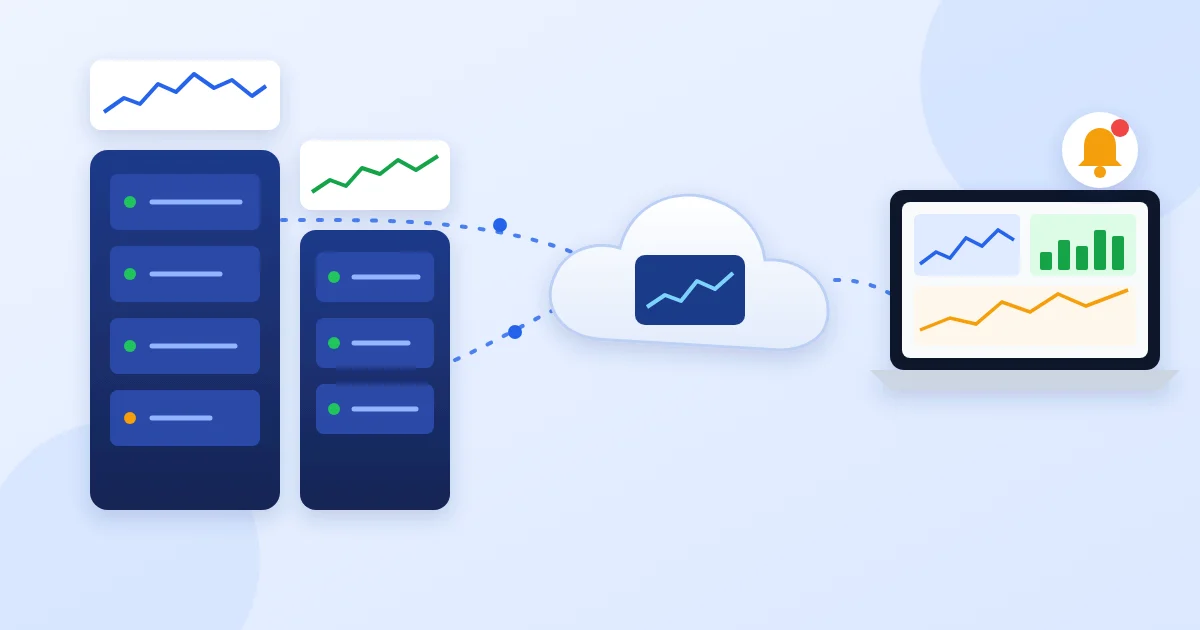
Netdata is an open-source agent installed on each server. It collects metrics every second and detects the services on the machine by itself: web server, database, Docker, mail server and more.
With more servers, one dashboard per server is not practical. Netdata Cloud connects the agents and shows all servers on one screen.
There are free and paid plans. They differ in number of servers, users and extra features.
By default the agent serves its dashboard on port 19999 without a password. If the server has a public address, anyone can see what runs on it. That gives an attacker useful information.
| Netdata | Zabbix | Prometheus + Grafana | |
|---|---|---|---|
| Getting started | Minutes | More setup | More setup |
| Detail | Every second | Chosen interval | Chosen interval |
| Network devices | Limited | Strong (SNMP) | Through exporters |
| Long history | Limited | Yes | Yes |
| Best for | Quick view and troubleshooting | Central monitoring of office and network | Custom dashboards and application metrics |
We often combine them: Netdata for detail right now, Zabbix or Prometheus for long history and alerts across the whole infrastructure.
Measured by disk, memory and service alerts and time to response
How we do it: we run Netdata on the servers and set up alerts
Measured by one Netdata Cloud dashboard for all machines
How we do it: we connect the agents and give the team access
Measured by an external check of port 19999
How we do it: we close the port and allow access only via Cloud or a proxy
The agent is open source and free to use. Netdata Cloud has free and paid plans.
Only a little. On a small server you can reduce how much history it keeps and which modules run.
On your servers. Cloud reads it from the agents when you open the dashboard.
Close port 19999 with the firewall or bind the dashboard to localhost and view it through Netdata Cloud.
Yes. Netdata gives per-second detail, while Zabbix keeps long history and monitors network devices.
We install Netdata, connect your servers to Netdata Cloud and set up alerts. See our 24/7 monitoring.

Head of IT Infrastructure & Security at Network Technology.